




























I don’t know about you but it is a struggle for our family to get all our chores done on time. We all have separate calendars on different devices that are not easy for everyone to keep up with. The Everblog 21.5-inch Digital Calendar comes in handy in these situations. It has a large display that makes it easy to keep up with your events, to-dos, chores, and everything in between. You can even encourage your kids to work towards earning a reward for getting chores done. The good folks at Everblog were kind enough to send us one to test. Let’s see what was included:
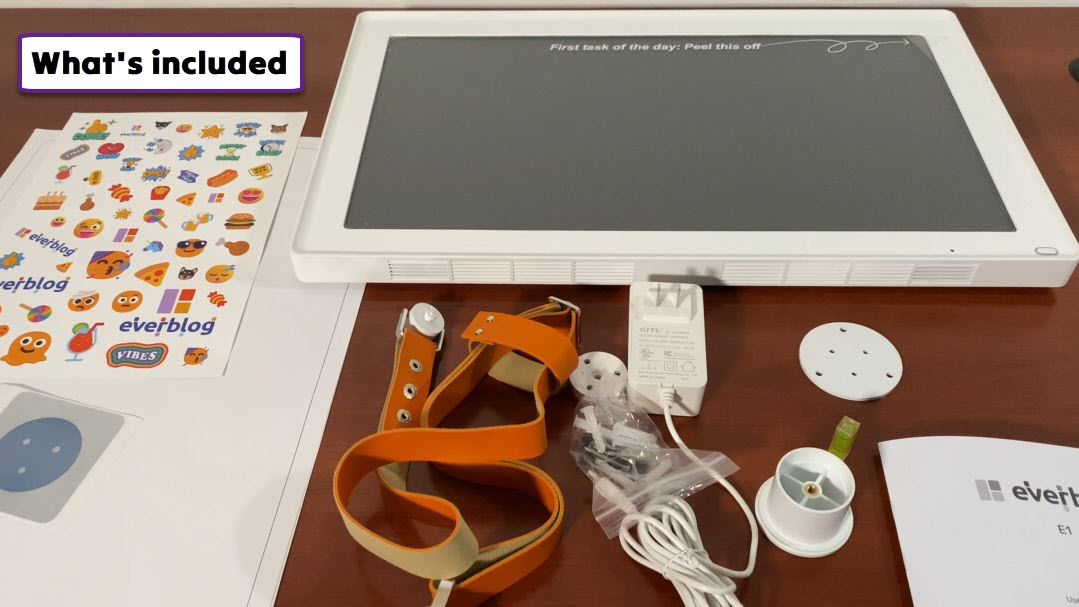
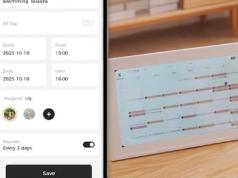
The Everblog Touchscreen Calendar came well-packed. It is like an extra-large tablet but a little bit thicker. The package also includes an adapter and a mounting kit, which were stored under the calendar. On the side, you can find volume and power buttons. The front button activates the voice feature, which lets you dictate tasks and events. We found the touchscreen function to be quite responsive. The setup process is also straightforward. You will have to connect the device to your WiFi network, download the companion app, create an account, and use the activation code provided to set up the calendar.
The first thing we noticed about the Everblog Calendar was the fact that it has a lot more features than a regular calendar. For example, it has an entertainment section that gives you access to apps such as YouTube, Netflix, and TikTok. It is also very smart. You can import events and tasks by scanning a piece of paper or just emailing information to the email address that is provided once you set up the calendar. In our experience, it takes a couple of minutes for the changes to go live on the calendar if you choose this route. Everblog had no issue understanding our lousy handwriting.
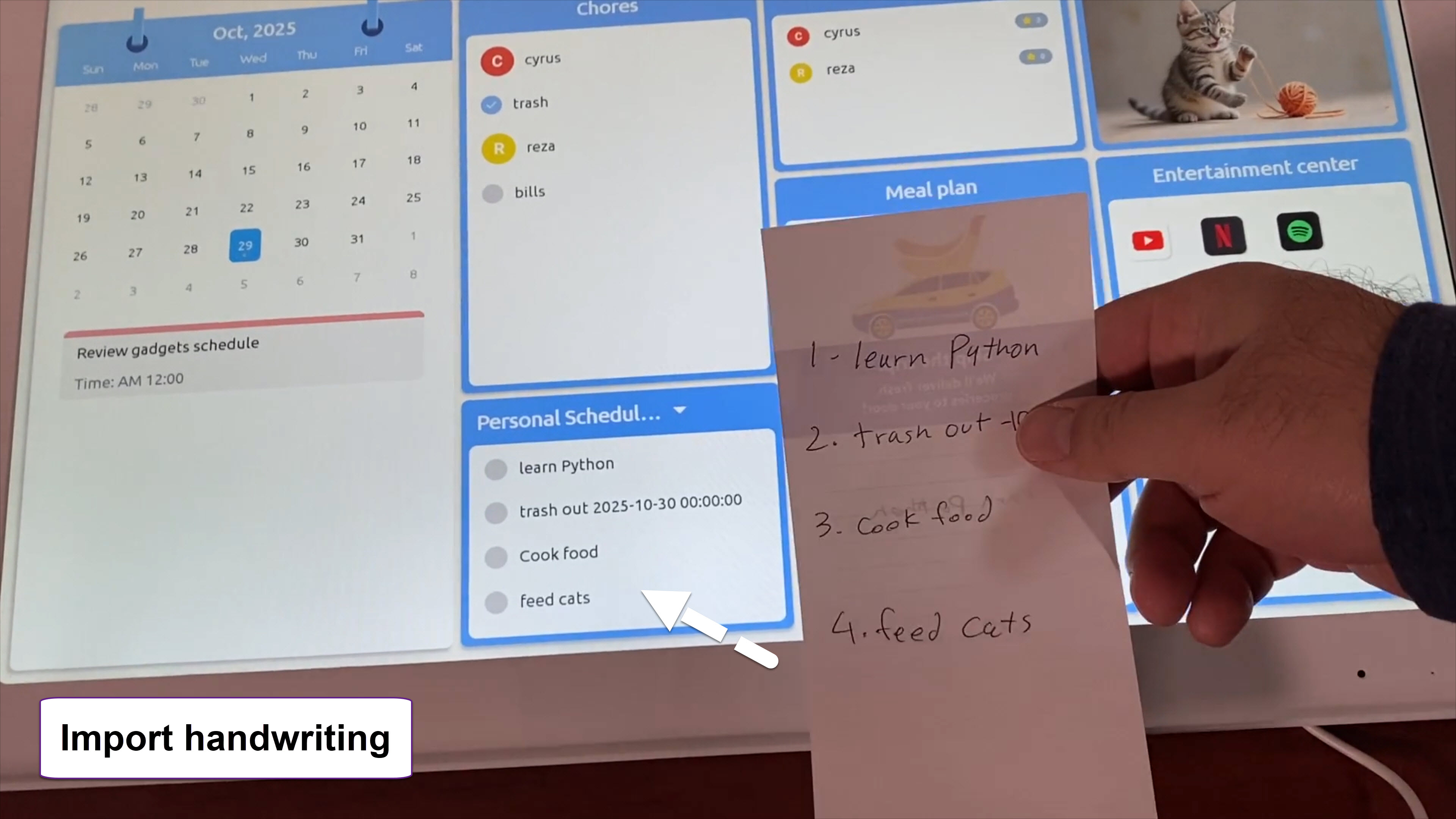
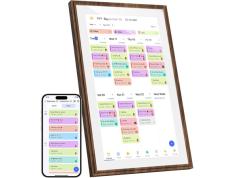
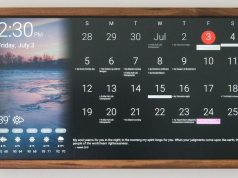
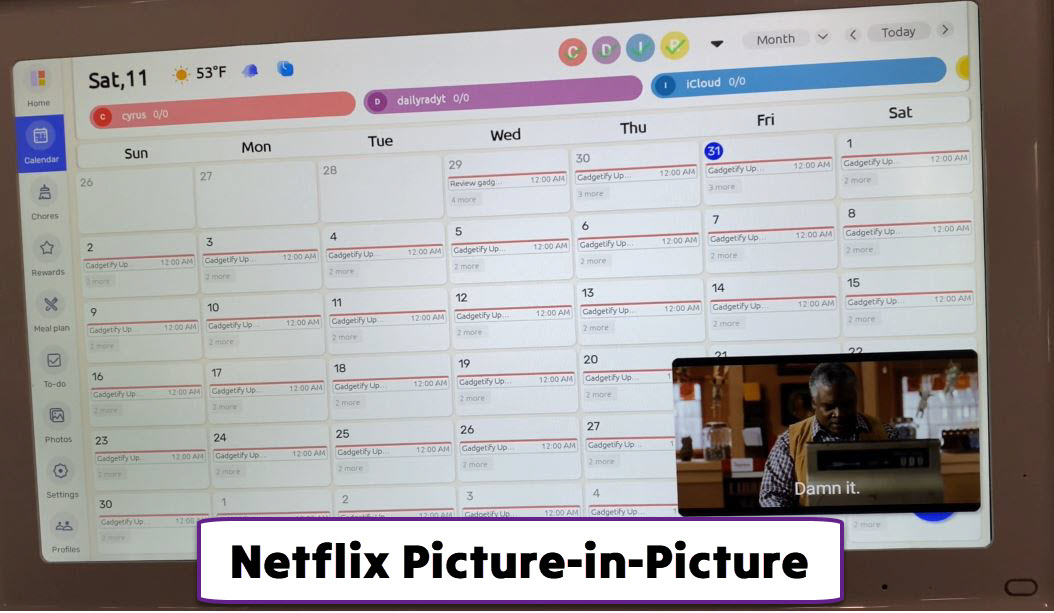
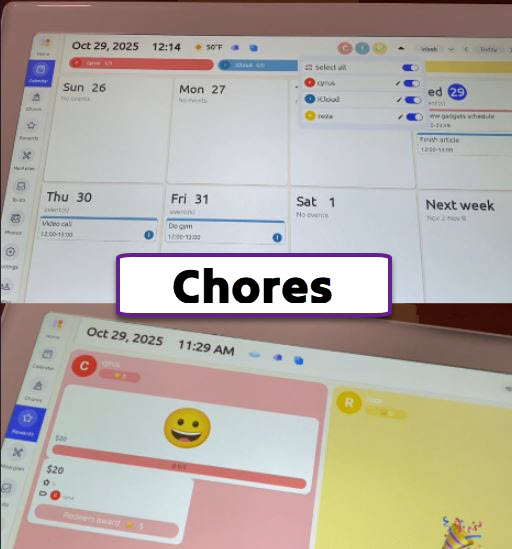
The display is quite bright and has plenty of space to keep up with your chores, events, and rewards. The main interface is pretty easy to get used to. You get separate views for your calendars, chores, rewards, to-dos, and photos. You can quickly press the front button to see the Home view, which brings everything together, including your chores, personal to-dos, images, and entertainment apps. If you are using apps like Netflix, you will be able to view your movies in a tiny window while going through your schedule (picture-in-picture function).
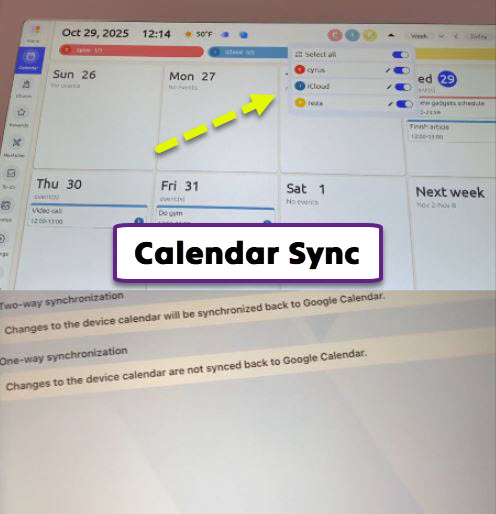
This is like a giant tablet, so you can add entries with a simple touch. It is also possible to import them from the app. We were able to import our tasks and events from iCloud and Google, but Cozi, Yahoo, and Outlook are also supported. You can add members in different colors, which makes it easy for everyone in your household to see their tasks. For calendars like Google, 2-way sync is possible.
This calendar is smart enough to detect rotation to change orientation. It has a loudspeaker, so you can use it as a large monitor or TV to watch Netflix or listen to Spotify. It is possible to import your own videos and images from your smartphone’s album. We imported a few Midjourney photos and vertical videos from an iPhone with no issues.
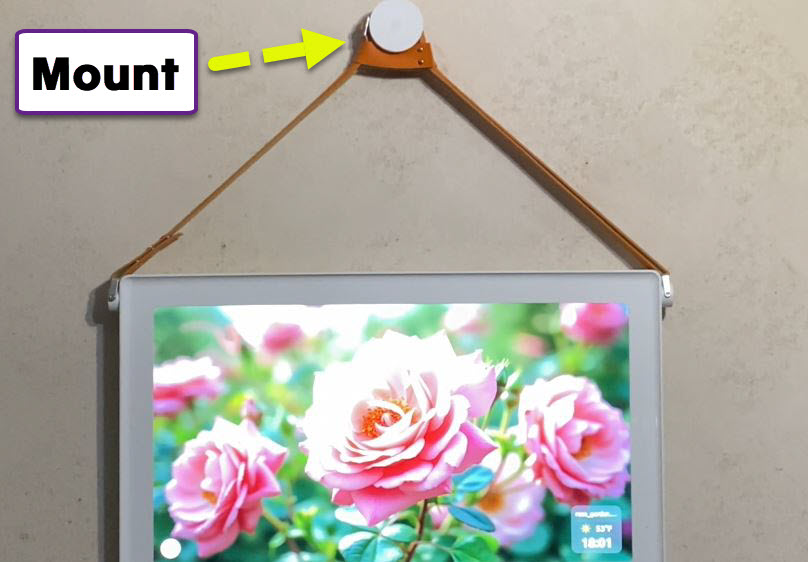
The voice dictation feature is convenient as it lets you add tasks without having to type them. Everblog had no problem understanding my accent but it is possible to make changes before saving new entries. The brightness, screensaver, and other settings can all be customized with a few taps. You can mount this to a wall using the included kit or simply put it on your desk. Both orientations are supported, though we prefer the landscape mode.
Everblog can also help you with planning meals and grocery shopping. You will be able to choose from a variety of preset meals to add to each day on your calendar. The rewards feature is powerful for parents who want to encourage their kids to develop positive habits. Users can define rewards that can be redeemed when enough stars have been earned by each child.
We found the Everblog 21.5-inch Calendar to be extremely handy for keeping up with our hectic schedule. It was fairly easy to set up and mount. It is unfair to call it just a calendar when Everblog is really a giant touchscreen tablet that can display photos, play music, and show videos as well. The voice feature was fairly accurate and made adding tasks very easy. The only thing we would add is the ability to control smart home devices and view camera feeds. We’d also love an API/SDK for custom apps. Overall, if you are looking for a large smart display to keep up with all your to-dos, events, and tasks, you should give the Everblog calendar a serious look.